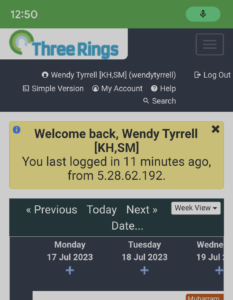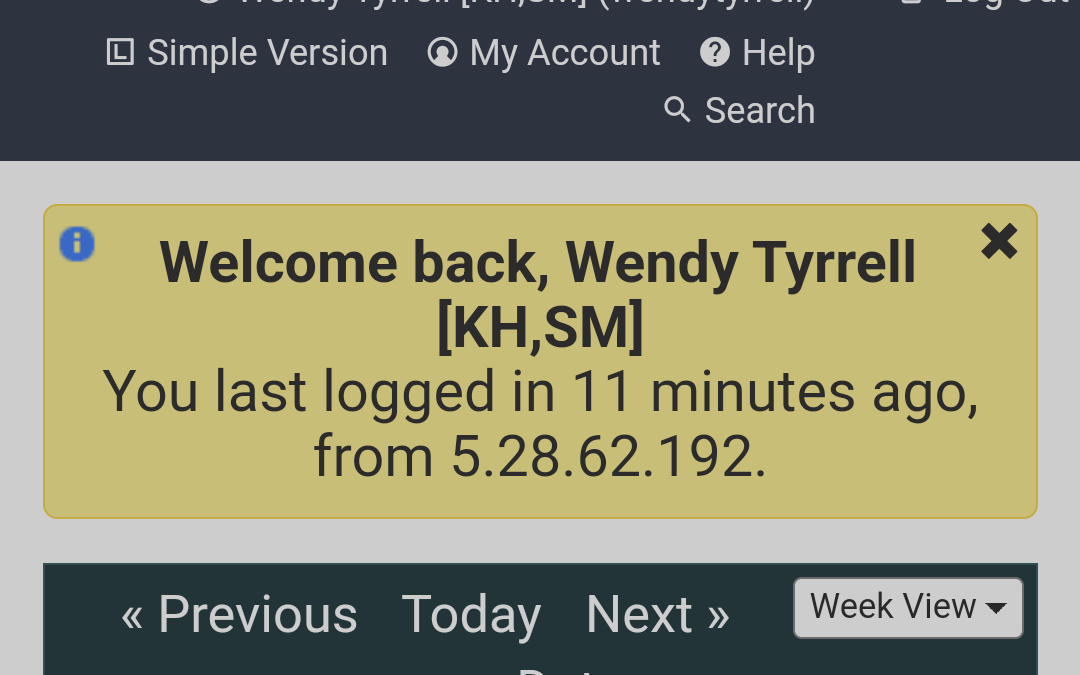
It’s the holiday season (which is great!) but it means that lots of you are away and shifts are harder to fill as a result. To help with planning, it would be useful if you could log in to update your availability on your Three Rings profile.
To do this, on a desktop computer, login to your account in the usual way. Click on your name in the upper right corner of the screen:
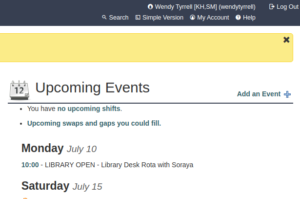
This will bring you to your directory entry.
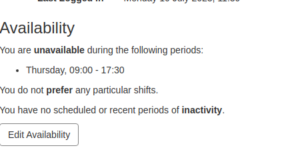
Scroll down to the Availability section and click Edit Availability to add your holidays.
On your phone, it’s the same process, only your name/profile is at the top of the screen.